
DUAL ENROLLMENT
SOAR ABOVE AND BEYOND
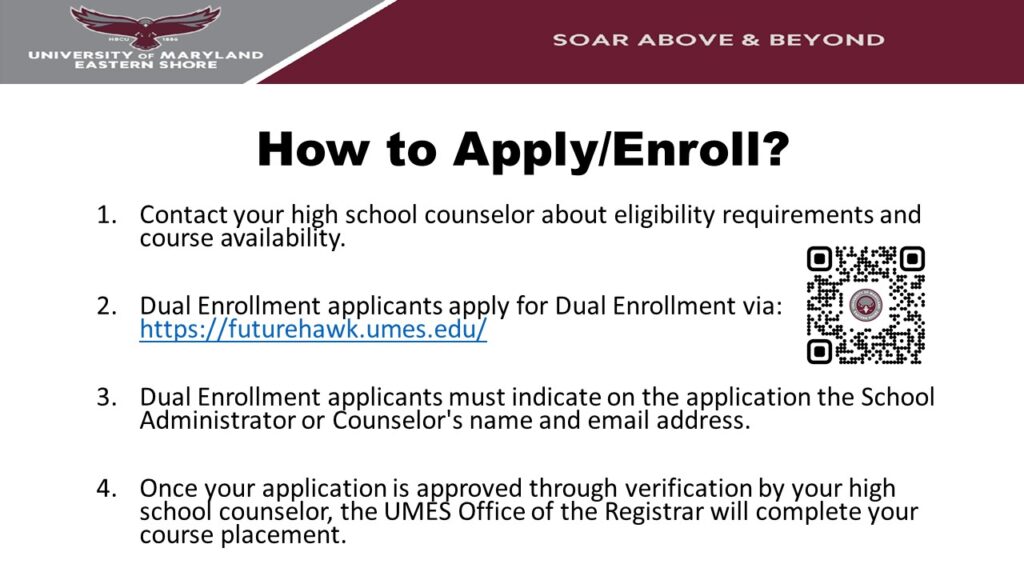
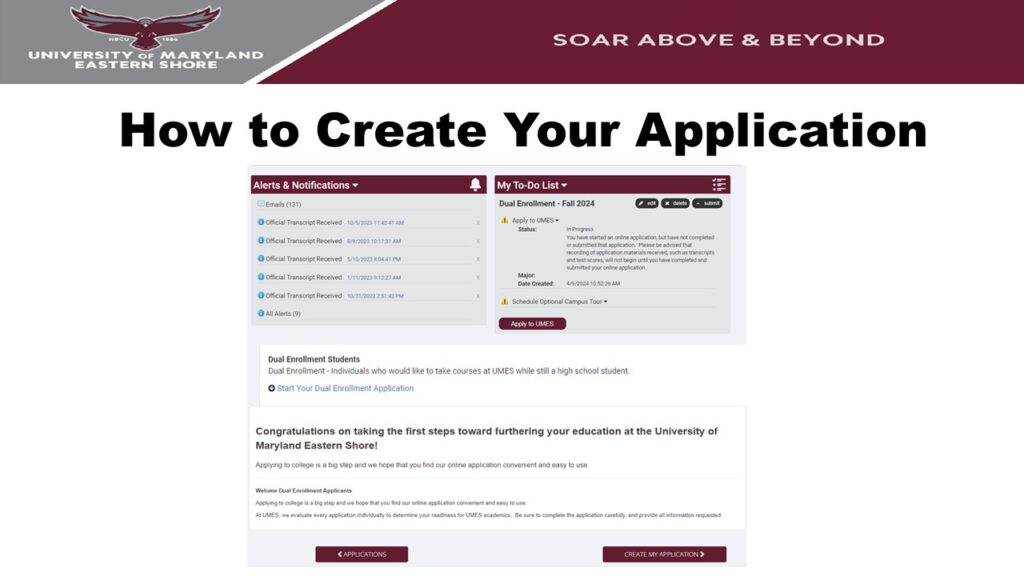
The application fee is waived for dual enrollment applications! Create the application Hawk Portal first. Click here for Hawk Portal instructions.
Parents, please complete the dual enrollment parent permission form for prospective students.
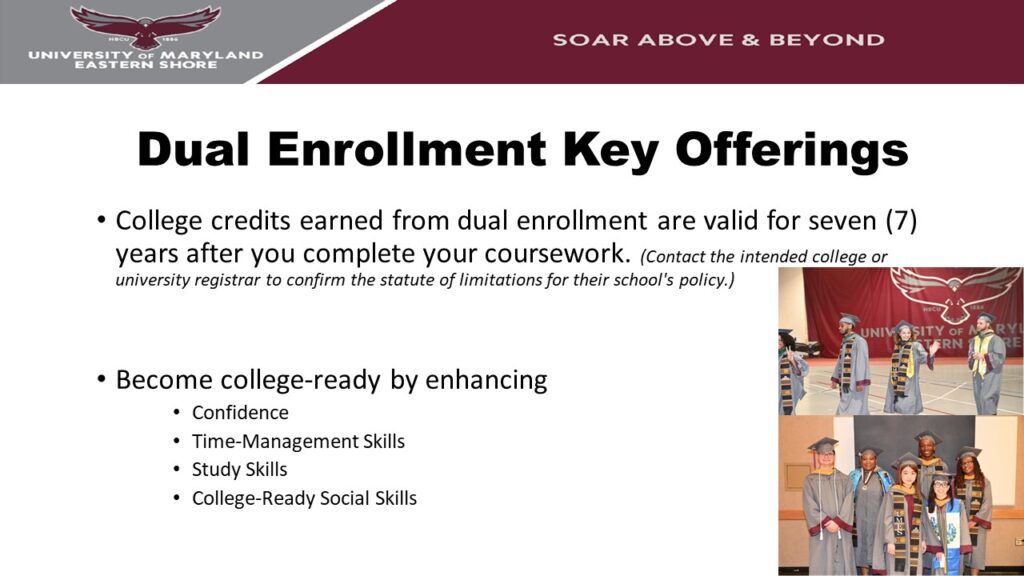
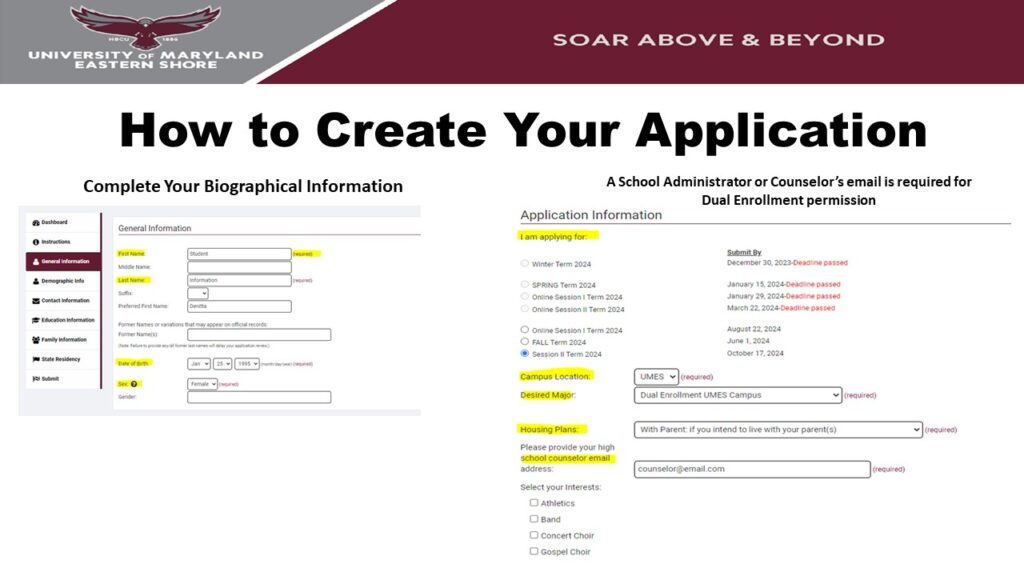
DUAL ENROLLMENT APPLICATION PROCESS
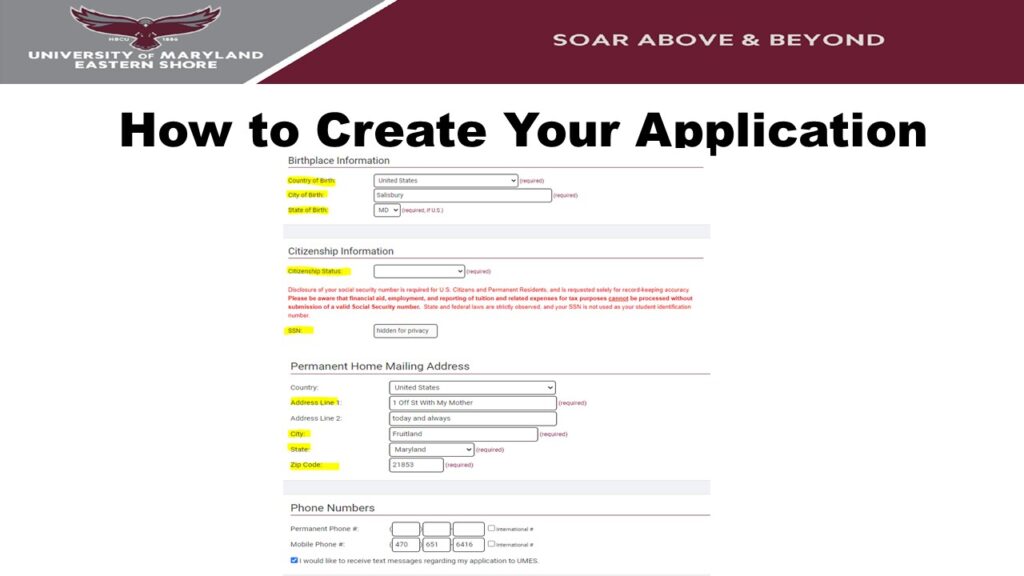
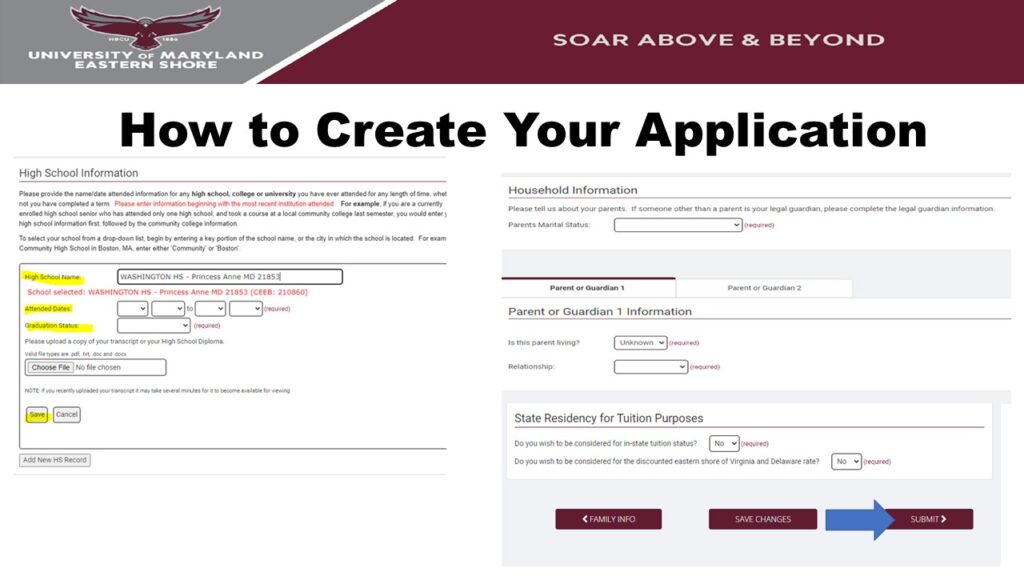
TIMELINE SCHEDULE
FALL COURSE SCHEDULE
| March 1st | The UMES Coordinator of Dual Enrollment Program will contact your school district liaison to discuss the course offerings for the upcoming semester. Once you have decided, contact the academic department to arrange for the course to be added to your schedule. |
| April 1st | The UMES Coordinator of Dual Enrollment Programs will host on-site information sessions to garner student interest in taking UMES courses while enrolled in high school. |
| May 1st | The UMES Coordinator of Dual Enrollment Program will review the schedule in Hawkweb to verify the addition of appropriate courses for the appropriate counties. If this has not been done, the coordinator will confer with the registrar’s office to ensure courses are added by June 1st of each year. |
| May 15th | The UMES Coordinator of Dual Enrollment Program will send a new version of the MOU to the appropriate school districts, so that an updated MOU will be in place by July 1st. |
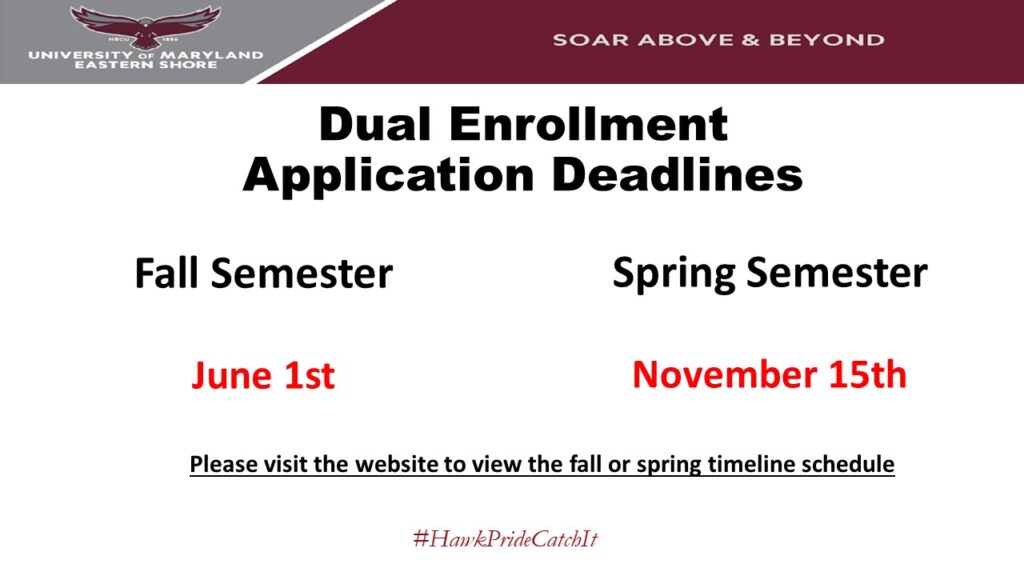
| June 1st | Students should submit the Dual Enrollment Admissions application online: Non-matriculating degree-seeking application Parental approval form Course registration form |
| August 1st | School districts should send a list of potential student participants for Dual Enrollment programming for the upcoming school year. The requested information includes a full list of potential participants with the most current GPA and transcript as documentation. The School District liaison will provide the student lists by course for group enrollment. |
| August 15th | The Office of Admissions will forward the Dual Enrollment listing to the Office of the Registrar for term-activation and course enrollment, and Student Accounts for County billing. |
| September* | The UMES Coordinator of Dual Enrollment Program will host orientation sessions for students at UMES or at the host school. Information provided: How to use Hawkweb How to use a Learning Platform such as Canva Information about academic support services Effective ways to communicate with your instructor |
SPRING COURSE SCHEDULE
| October 1st | The UMES Coordinator of Dual Enrollment Program will contact your school district liaison to discuss the course offerings for the upcoming semester. Once you have decided, contact the academic department to arrange for the course to be added to your schedule. |
| October 15th | The UMES Coordinator of Dual Enrollment Programs will host on-site information sessions to garner student interest in taking UMES courses while enrolled in high school. |
| November 1st | The UMES Coordinator of Dual Enrollment Program will review the schedule in Hawkweb to verify the addition of appropriate courses for the appropriate counties. If this has not been done, the coordinator will confer with the registrar’s office to ensure courses are added by January 1st of each year. |
| November 15th | Students should submit the Dual Enrollment Admissions application online: Non-matriculating degree-seeking application Parental approval form Course registration form |
| December 1st | School districts should send a list of potential student participants for Dual Enrollment programming for the upcoming school year. The requested information includes a full list of potential participants with the most current GPA and transcript as documentation. The School District liaison will provide the student lists by course for group enrollment. |
| December 15th | The Office of Admissions will forward the Dual Enrollment listing to the Office of the Registrar for term-activation and course enrollment, and Student Accounts for County billing. |
| January 15th | The UMES Coordinator of Dual Enrollment Program will host orientation sessions for students at UMES or at the host school. Information provided: How to use Hawkweb How to use a Learning Platform such as Canva Information about academic support services Effective ways to communicate with your instructor |
DUAL ENROLLMENT BROCHURE



If you have applied to and/or plan to apply to UMES, please add futurehawk@umes.edu to your contact list and check your spam and promotions folders so you do not miss out on important information.
CONTACT US
For any questions about your application, please contact the Office of Admissions & Recruitment.
Normal Hours of Operation:
Monday-Friday: 8:00 am-4:30 pm
Office of Admissions and Recruitment
1 College Backbone Road (SDC-Suite 1140) Princess Anne, MD 21853
PHONE: (410) 651 – 6410 | EMAIL: UMESADMISSIONS@UMES.EDU | FAX: (410) 651 – 7922 |
